
How to Search Gwinnett County Court Records
The official starting page is the Gwinnett Courts case search hub. From that page, most Superior, State, Magistrate, and Probate cases run through the Tyler Odyssey public access portal. County traffic cases and county ordinance cases sit in a separate system at gwinnettrecorderscourtpmts.com. City tickets go to the city's municipal court.
Have the case number ready if you can. A clean case number beats a name search every time. If you only have a name, plan to add a date of birth or a date range to cut down on extra hits.
- Open the official case search page and pick the portal that fits your case type.
- In Odyssey, choose Smart Search, Search by Case, or Search by Party. Smart Search takes a case number, a citation, a party name, or a business name.
- Enter the cleanest identifier first. If you search by name, type the last name, then add the first name only if results are too broad.
- Apply filters such as court location, case type, filing date range, or status when they show up.
- Open a result to view the docket, parties, attorneys, hearings, and any public disposition.
- If you need a stamped document, ask the Clerk of Courts for a certified copy. A portal print is not the same as a clerk-certified copy.
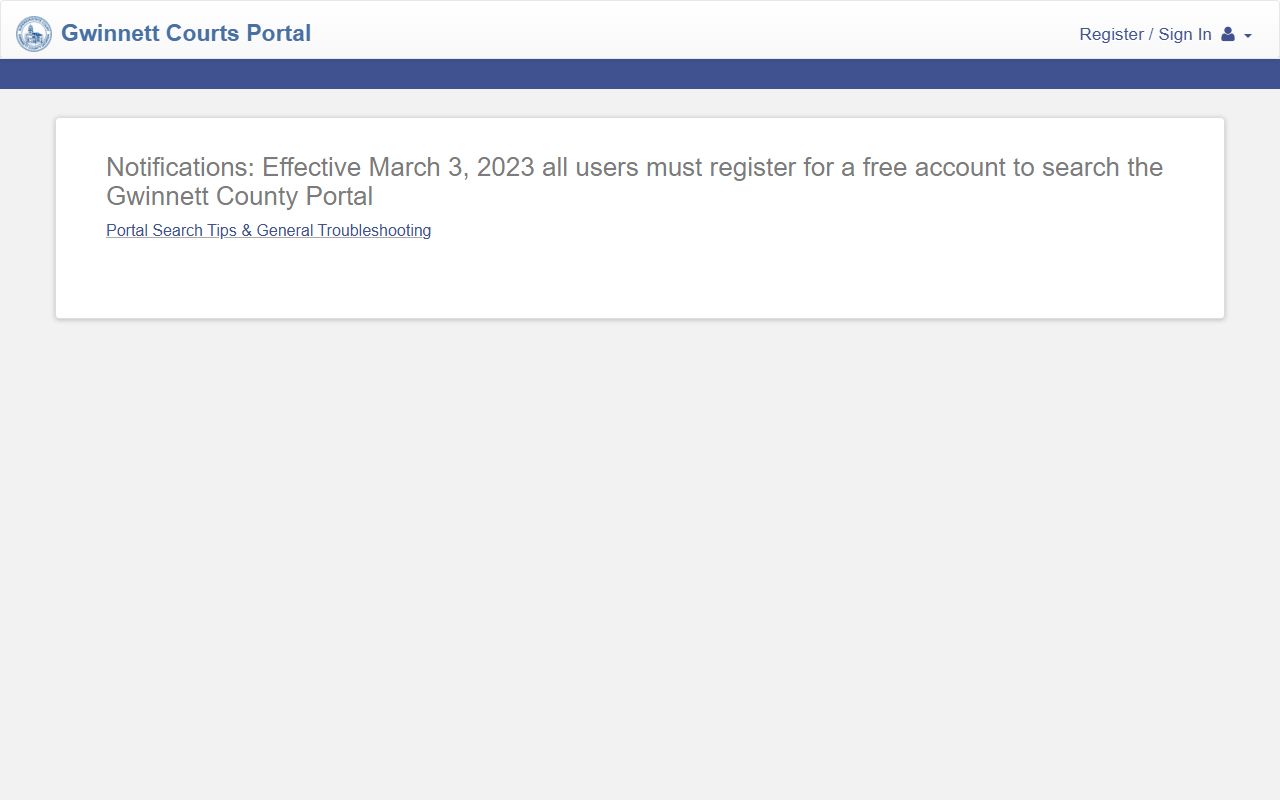
The Odyssey portal is the main public search tool for Gwinnett County court records and links every trial court that uses the shared system.
Gwinnett Odyssey Portal Search Fields
The Odyssey portal exposes a set of search fields that work across most case types. Use the field that matches what you have. Case number is best for exact lookups. Name search needs a last name and a first name to cut down on common-name overlap.
| Field Label | Type | Required | Notes |
|---|---|---|---|
| Smart Search | Text | Optional | Accepts a case number, party name, business name, or citation. |
| Case Number | Text | Optional | Use the exact format shown on the notice. Try without spaces if punctuation is rejected. |
| Party Name | Text | Optional | Last name first; add a first name to narrow common names. |
| Location | Dropdown | Optional | Gwinnett court locations and case categories where exposed. |
| Case Category | Dropdown | Optional | Civil, criminal, domestic, probate, magistrate, state-court, or other categories. |
| Date Range | Date fields | Optional | MM/DD/YYYY filing or hearing dates. |
| Status | Dropdown | Optional | Open, disposed, closed, or inactive where shown. |
The Recorder's Court portal uses a smaller field set. Most users start with the citation number, then add a last name and a date of birth if the portal asks for it. See the Gwinnett traffic court records page for the Recorder's Court field list.
Types of Gwinnett County Court Records
Gwinnett produces every common Georgia trial court record. Each court keeps its own subset, and the search portal routes records based on the issuing court.
Knowing the court name on the notice is half the work. A divorce decree is filed in Superior Court. A small claim sits in Magistrate. A speeding ticket from a county officer goes to Recorder's Court. A city ticket goes to that city's municipal court.
- Criminal files: warrants, indictments, accusations, pleas, sentences, and probation orders.
- Civil files: complaints, answers, motions, judgments, liens, and garnishments.
- Family files: divorce, custody, child support, contempt, and name changes.
- Probate files: wills, letters, guardianships, conservatorships, and annual returns.
- Magistrate files: small claims, dispossessory cases, garnishments, and warrant applications.
- Recorder's files: county traffic citations and county ordinance cases.
- Juvenile files: delinquency, dependency, and CHINS records. Most are sealed by Georgia law.
What a Gwinnett County Court Record Shows
A typical Gwinnett court file lists the case number, the court, the filing date, the case type, the parties, the docket events, the hearings, the disposition, and any financial entries. Some files also show probation conditions and warrant status. Sealed material does not appear.
| Field | What It Shows |
|---|---|
| Case Number | Unique court file ID. The format varies by court and case type. |
| Court / Location | Superior, State, Magistrate, Probate, Juvenile, or Recorder's. |
| Filing Date | The day the case opened or the citation was filed. |
| Parties | Plaintiff, defendant, petitioner, respondent, estate, ward, or business names. |
| Attorneys | Counsel of record where shown, with party tied to attorney. |
| Docket Events | Filings, orders, hearings, motions, and continuances in date order. |
| Hearings | Date, time, courtroom, and judge for set hearings. |
| Disposition | Plea, ruling, dismissal, verdict, or final order. |
| Financials | Filing fees, court costs, fines, bonds, restitution, and payment status. |
| Redactions | SSNs, account numbers, full DOBs, minor names, and protected addresses are not shown. |
Older files may not be online at all. The clerk can pull paper or microfilm with enough identifying detail. Recorder's Court entries do not always show up in Odyssey, so check both portals when a case is missing.
Public Access Framework for Gwinnett County Court Records
Georgia treats public records as open by default. The framework starts with the Georgia Open Records Act, O.C.G.A. § 50-18-70, and the timing and fee rule at O.C.G.A. § 50-18-71. Exemptions live in O.C.G.A. § 50-18-72. Court files are usually requested through the Clerk of Courts rather than through an agency request lane, because court records follow court rules.
Anyone can request a court file. You do not have to be a party. Fees may apply for searches, redactions, certified copies, and large pulls. The Georgia Attorney General open government page sums up the request rights.
Note: A free public index search is not the same as a free document download. Document images, certified copies, and older files may need a clerk request and a fee.
Sealed and Confidential Records in Gwinnett County
Some files are not public. Juvenile records under O.C.G.A. § 15-11-700, adoption files under O.C.G.A. § 19-8-23, and grand jury notes under O.C.G.A. § 24-12-21 are protected by statute. Criminal cases that qualify can be restricted under O.C.G.A. § 35-3-37. First Offender Act discharge under O.C.G.A. § 42-8-62 changes the public face of the case after the program ends.
To unseal a sealed file, the request goes in as a motion in the court that issued the sealing order. Clerk staff cannot unseal a file by request alone. The judge weighs public access against privacy, safety, juvenile, medical, and statutory protections.
In-Person and Mail Requests
The Clerk of Courts can take in-person and mail requests for case files. Have the case number, the party names, the document name, the filing date if known, and the copy type ready before you go. For a certified copy, say "certified copy" up front, because plain prints are not the same.
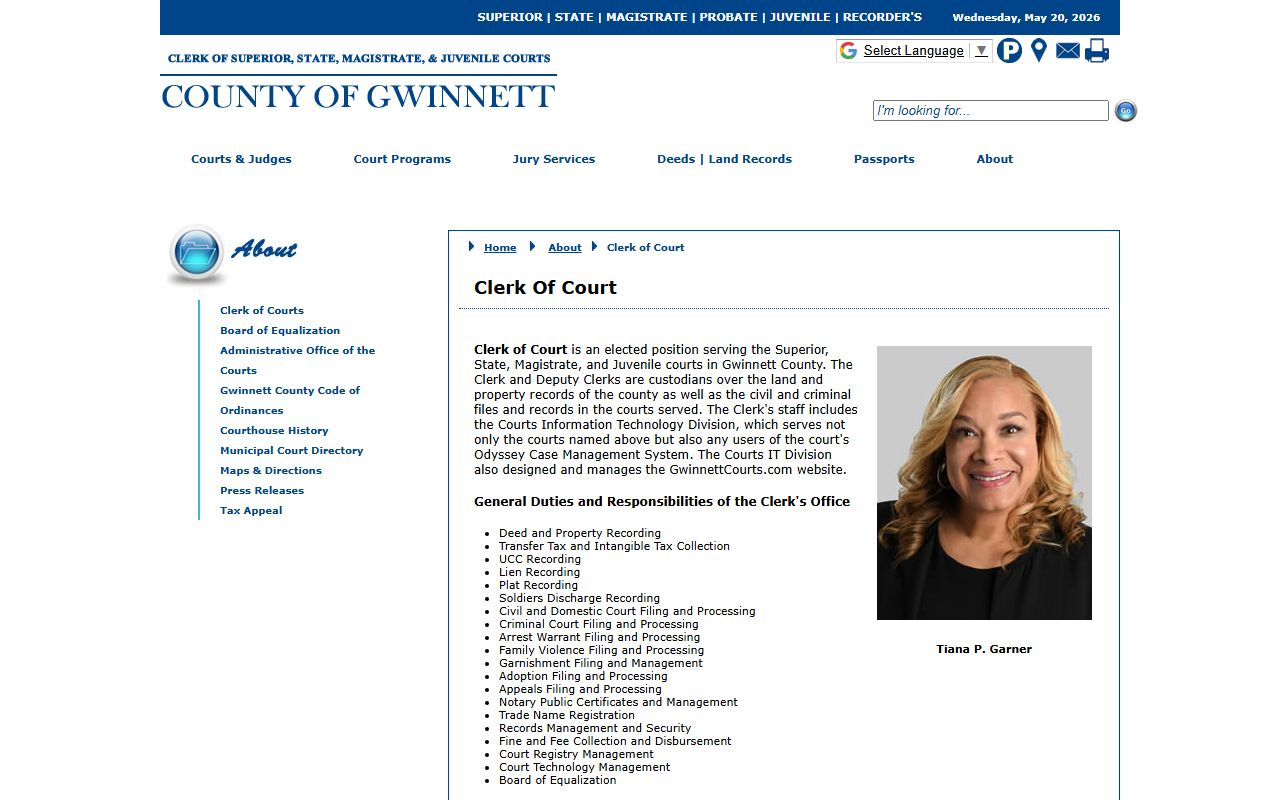
The Clerk of Courts page is the right starting point for certified copies and for case file pulls that are not available online.
Common Gwinnett County Court Records Search Problems
Broad last-name searches return too many cases. Newly filed documents may lag behind courtroom events for a day or two. Older files may be archived and need a clerk pull. Recorder's Court cases will not show up in Odyssey, so check the Recorder's portal for county traffic and code matters.
Search tips that help in a fast-growing, multi-name county:
- Try suffix variants, maiden names, hyphenated last names, and common alternate spellings.
- For business cases, search the legal entity name first, then a shorter distinctive word.
- For divorce and family matters, search both spouses if the first try misses.
- For criminal cases, check both the court portal and the Sheriff SmartWEB custody site.
- For older cases that predate the online index, call the Clerk of Courts with a date range and party names.